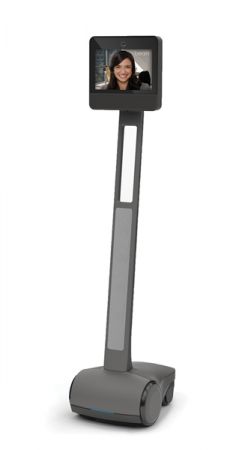




















Spacer login


We're transforming human interaction in an increasingly virtual world.
Finally, a personal and natural way to collaborate, check in and be present, no matter where you are.


We're transforming human interaction in an increasingly virtual world.
Finally, a personal and natural way to collaborate, check in and be present, no matter where you are.


40% of Fortune 50 companies use Beam.

Home

Unpacking Instructions

Follow the illustrated instructions below to unpack your new Beam.

Visit setupbeam.com to register your account and create a new Beam organization.

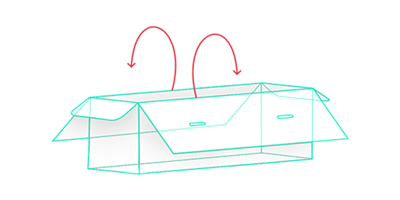
  1. Open box to expose contents. 

    beam unpacking 01

  2. Remove head and base padding so that the Beam is exposed for removal. Set aside the keyboard.
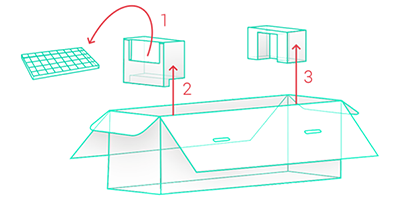
    beam unpacking 02

  3. Gently remove the Beam from the box. We recommend two people for this task.
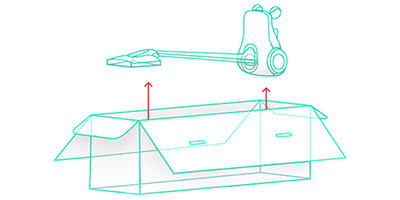
    beam unpacking 03

  4. Remove the charging base. Be sure to check for any plastic wrapping that may still be attached to the charging dock.
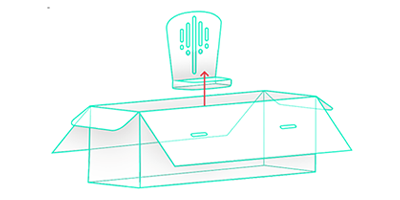
    beam unpacking 04

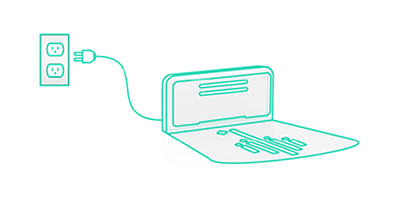
  5. Plug the charging dock into the wall socket. (120V / 220V / 240V)
    beam unpacking 05

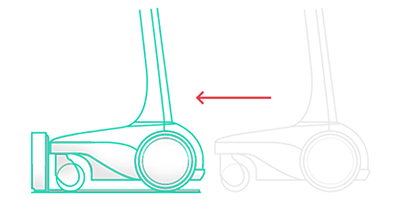
  6. Roll the Beam onto the charger to start the setup process.
    beam unpacking 06

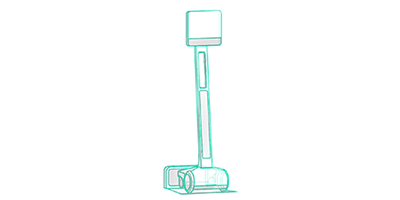
  7. The Beam will automatically power on when docked.
    beam unpacking 07

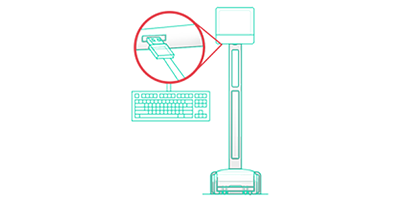
  8. Using the USB keyboard provided, insert the cable into one of the two USB ports located under the face of the Beam to begin setup.
    beam unpacking 08

For additional information, email our Customer Success Department at This email address is being protected from spambots. You need JavaScript enabled to view it..
Home2.0 Mobility

Mobility

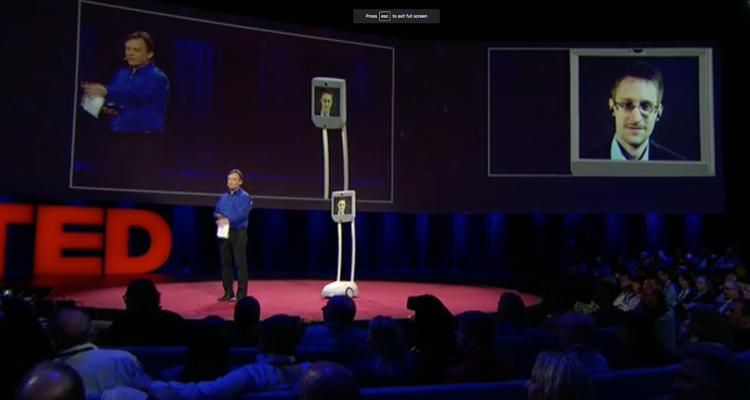
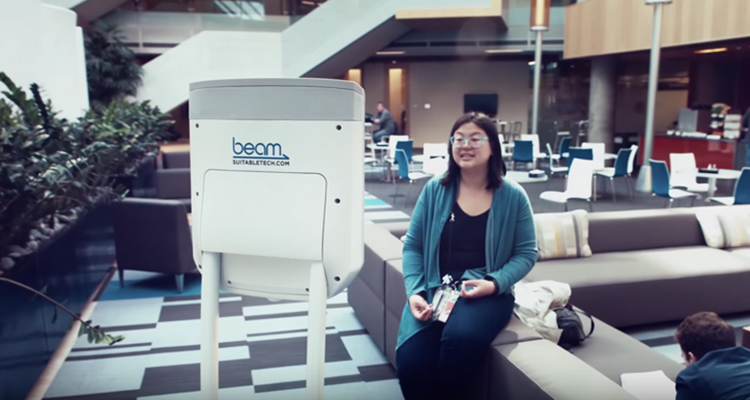
Break free from conference room walls, geographic borders and time constraints using Beam Presence® to go from here to virtually anywhere. This freedom to move within an environment in a natural, more human way opens up new avenues of professional and personal communications.

Home2.0 Security

Security

Beam was built from the ground up with our own proprietary software and algorithms. Using industry-standard technology such as TLS/SSL, AES-256, and HMAC-SHA1, Beam encrypts all communication that travels through our system to ensure your calls remain private and secure.

Home2.0 Collab 3

Collaboration

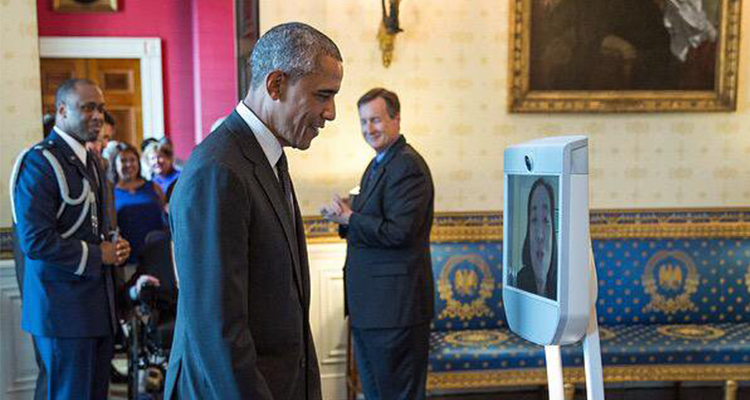
Roll up to your colleagues to troubleshoot, review artwork, or give a killer presentation. Beam has transformed the way individuals, teams and companies interact and work together. Professional relationships are stronger, corporate culture more cohesive, and creative projects more successful.


  • “More than just a cool toy.”

    — Sputnik News

  • “It's super awesome.”

    — TMZ

  • “It works amazingly well.”

    — Nick Grossman

  • “More personal and engaging.”

    — TechRadar Pro

  • “The things we can do with technology these days.”

    — W Magazine

  • “It's amazing.”

    — Veronica Belmont

  • “It feels like you're right here in the room.”

    — Don Pezet

  • “More natural interaction than expected!”

    — @NikkiFinnemore

  • “The power to take you to remote locations in a big way.”

    — Shelly Palmer

  • “Beam [is] more than just another piece of office technology.”

    — Alejandro Alba

  • “It's very much like being there.”

    — Geoff Rehnert

  • “This can seriously change the way distance affects people’s lives.”

    — Time

  • “Beam is behavior changing technology.”

    — Wired

  • “I was super impressed...Everything worked perfectly.”

    — Paul Bradford

  • “It allows me to...see my kiddos before they head off to practice or bed.”

    — Customer Review